- Home
- Payment & Login
GreenSky Login & Payment Options
Where the official GreenSky® Customer Portal is, every way to pay, and how to fix common login problems. We do not collect logins.
GreenSky Login & Payment: Quick Answer
To log in or pay a GreenSky loan, go to greensky.com and choose “Make a Payment”, which opens the official GreenSky Customer Portal at online.greensky.com. You can sign in, register, or use guest payment. You can also pay in the GreenSky mobile app, by phone at 866-936-0602, or by mail using the address on your statement.
This site is not GreenSky. We have no login form and cannot see or change your account. Never enter your GreenSky password on any site other than the official portal.
Official GreenSky Login Links
| What you need | Official destination | Notes |
|---|---|---|
| Main website | greensky.com | Use “Make a Payment” in the top menu |
| Customer Portal (sign in, register, guest pay) | online.greensky.com | Where live chat is available after sign-in |
| Merchant login (contractors) | “Merchant Login” on greensky.com | For enrolled businesses only |
| Some serviced accounts | The site named on your statement | Certain accounts use a separate self-service site; follow your statement |
Always navigate from greensky.com or your statement rather than from search ads or emails.
How to Register a GreenSky Online Account
Open the Customer Portal
Go to greensky.com, select “Make a Payment”, then choose to register or create an account.
Verify your identity
Enter your GreenSky account number and requested details, such as the last four digits of your Social Security number.
Create credentials
Choose a unique username and a strong password you do not use anywhere else.
Set preferences
Turn on autopay and paperless statements, and confirm the email and phone number on file.
Your account number is on your loan documents, your approval email and your statement. If you cannot find it, call 866-936-0602.
Ways to Make a GreenSky Payment
Online, signed in
Pay from a linked bank account in the Customer Portal and see your payment history, statements and promo end date.
Guest payment
Pay without creating a login using the guest option in the official portal. Keep the confirmation number.
By phone
Call 866-936-0602. Hours: Mon–Fri 8 AM–10 PM, Sat 8 AM–8 PM, Sun 10 AM–8 PM Eastern.
By mail
Send a check to the payment address on your latest statement with your account number in the memo. Mail it at least a week before the due date.
On a deferred-interest plan? Your minimum payment may not clear the balance in time. Use the deferred interest calculator to find the payment that does.
Autopay and Paperless Statements
Inside the portal you can enroll in automatic payments from your bank account and switch to electronic statements. On a promotional plan, set the autopay amount to at least the amount financed divided by the number of promotional months, not just the minimum due.
After enrolling, check your first two statements to confirm the draft amount and date are correct.
The GreenSky Mobile App
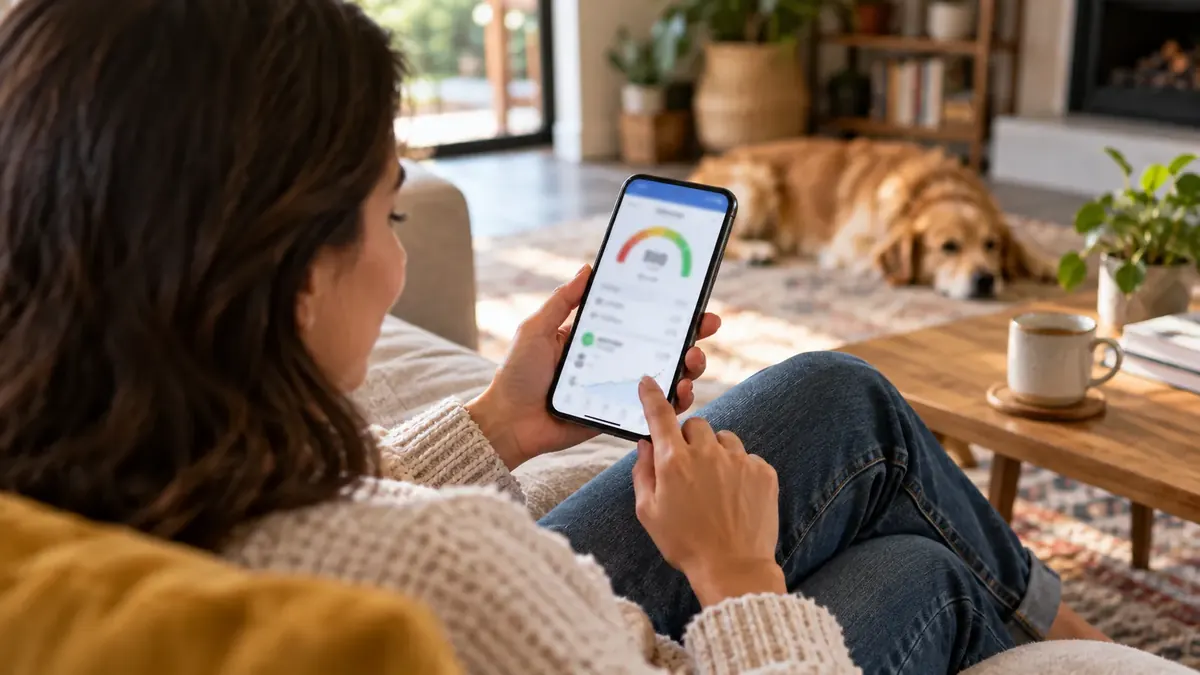
GreenSky publishes an official app on Google Play. Borrowers use it to view balances, see promotional end dates and make payments; merchants use it to start applications for customers.
- Download only from the official app store listing
- Confirm the developer is GreenSky
- Sign in with the same credentials as the web portal
GreenSky Login Problems and Fixes
| Problem | Try this |
|---|---|
| Forgot password or username | Use the recovery links on the official portal sign-in page |
| Account locked | Wait and try recovery, or call 866-936-0602 to unlock |
| Account number not recognized | Check your statement; new accounts can take a few days to appear |
| Page will not load | Update your browser, clear cache, or try the app |
| Payment not showing | Allow 1–2 business days, then call with your confirmation number |
How to Avoid Fake GreenSky Portals
Because so many people search for “GreenSky login”, look-alike sites exist. GreenSky's merchant FAQ states that the program never sends emails requesting account information, passwords or login credentials.
- Type greensky.com yourself or use a saved bookmark
- Check for the padlock and the exact domain before entering anything
- Do not click payment links in unexpected texts or emails
- Unsure about a message? GreenSky lists 855-809-1888 for questions about suspicious emails
Planning Another Project?
Compare home improvement financing from multiple lenders. This does not affect your existing GreenSky account.
Submitting the form connects you with third-party lenders, not GreenSky. No obligation to accept any offer.
Frequently Asked Questions
What is the official GreenSky login website?
Start from greensky.com and use its “Make a Payment” link, which opens the GreenSky Customer Portal at online.greensky.com. Type the address yourself or use a bookmark rather than clicking links in emails or ads.
Can I make a GreenSky payment without logging in?
Yes. The official portal includes a guest payment option where you can pay with your account details without creating a login. You can also pay by phone at 866-936-0602.
How do I register for a GreenSky online account?
Open the customer portal from greensky.com and choose the option to register. You will need your GreenSky account number and identity details such as the last four digits of your Social Security number. Then create a username and password.
Is there a GreenSky app?
Yes. GreenSky publishes an official mobile app, listed on Google Play, that lets approved borrowers view their account and make payments. Check that the developer name is GreenSky before installing.
Where do I mail a GreenSky payment?
Use the payment address printed on your most recent GreenSky statement, and write your account number on the check. Mailing addresses can change, so do not rely on addresses found on third-party websites.
Can this website log in or pay for me?
No. We are an independent information site with no access to GreenSky accounts, and we will never ask for your GreenSky login, password or account number.
Sources: GreenSky, GreenSky Customer Portal, GreenSky Contact, GreenSky Merchant FAQ.
About this page
Written and fact-checked by the GreenSky Financing USA editorial team using official GreenSky pages and disclosures, CFPB records and public filings. We are independent and not affiliated with GreenSky, LLC. See our editorial policy; spotted something out of date? Tell us.